This morning in my forest
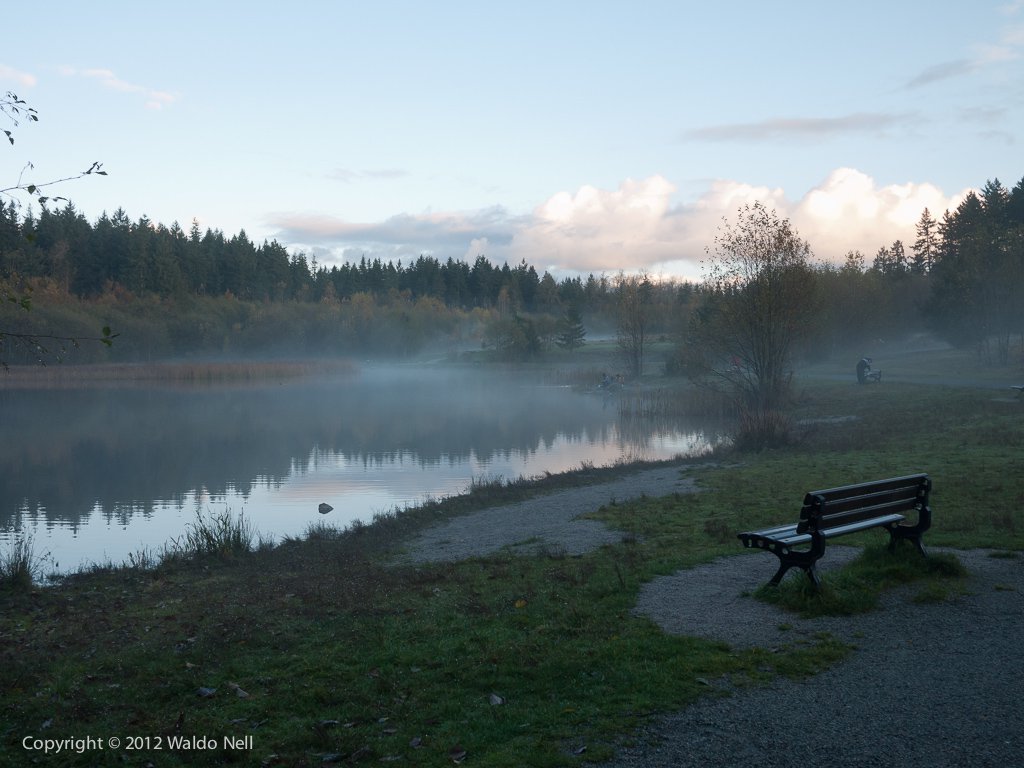
One of the nice things in my life is taking a walk in my forest. This morning was especially awesome, just feel the atmosphere.
South Africa is Technologically Superior
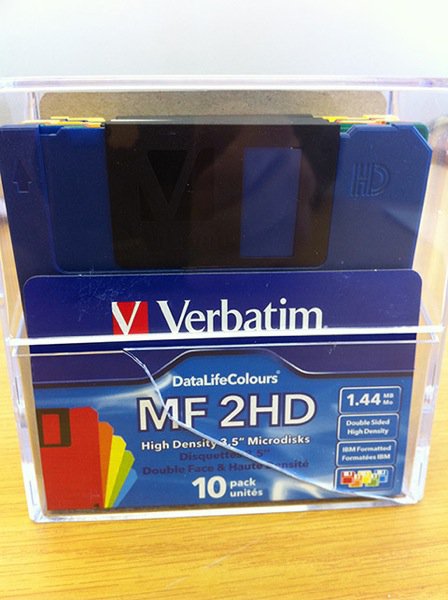
As continuation on my previous post, South Africa is at the forefront of technological advancements. In specific, the data transport medium used to submit SARS cargo clearance forms to the South African Revenue Service by the various cargo companies , looks like this (those born after 1985 would not understand). PS: There is no other interface to SARS than this...
I pray to Chief Dembe of the Zanzibar Clan
South Africa is a mystical country. Most people - especially North Americans - think we are a 3rd world country, people live in shacks and lions roam the dirt roads.
But alas - today I will prove them all wrong. Show me where in the WORLD you can find divine human beings such as these two mythical healers - right here in Sandton in Johannesburg. I will show you their resumes as I cannot even begin to express their awesomeness in my layman vocabulary.

Copying a 1TB HDD from Linux to an SMB share on a Mac
root@waldopc:/# time dd if=/dev/sda of=/mnt/backup/192.168.0.20.hdd bs=65536
15261915+1 records in
15261915+1 records out

1000204886016 bytes (1.0 TB) copied, 49638.9 s, 20.1 MB/s
That is... Almost 14 hours. Eish.