Our Time is Up
I asked Lovable only this vague question:
Build a web app that implements the GASB87 Lessee and Lessor standard for calculating leases. Take as input a lease, keep a record of all leases, calculate all schedules and disclosures and journal entries.
And it responded, with only one change request from me (switching from monthly to annual journal entries) with a fully built site with authentication, database etc.:
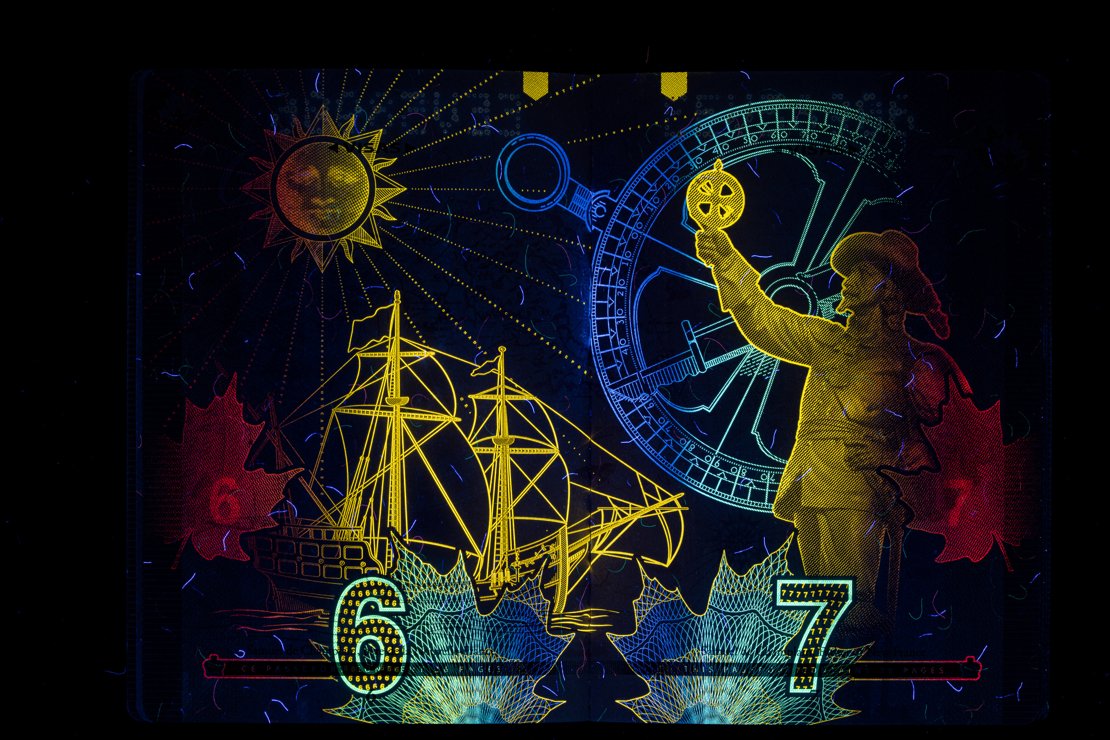
Canadian Passport
I assume very few people know how about the hidden pictures in our passports.
NGC 6992 - Eastern Veil Nebula
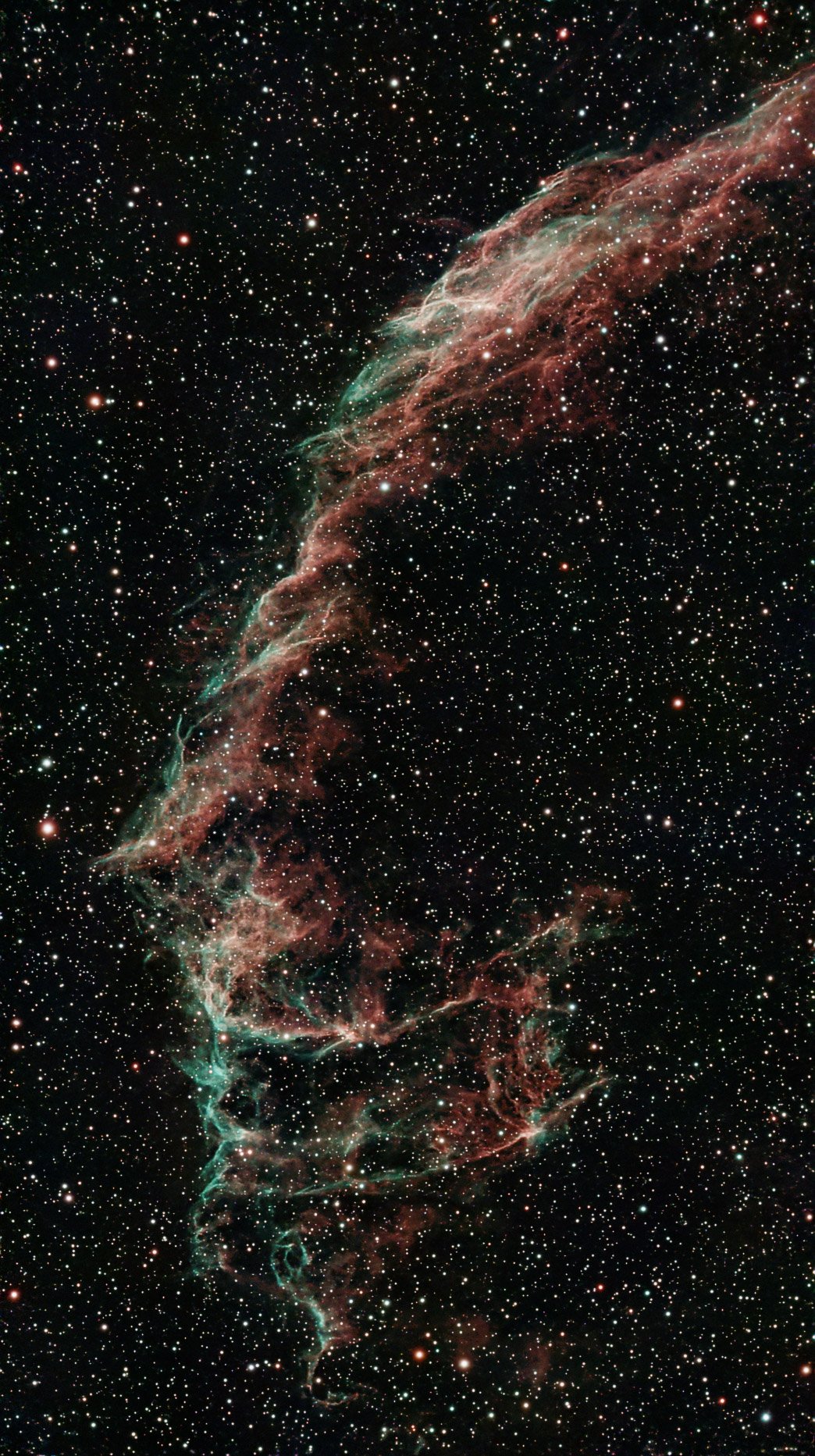
This is 3891 images taken over two nights of the Eastern Veil Nebula - a supernova remnant spanning 2400 light years (this is just the "eastern" part of it). I am pretty proud of the outcome since Bortle 6 is not the best and summer makes it hard with the limited duration of night.
Odd AI Blunder
AI is replacing jobs, disrupting work and personal life on all scales. There are fears of 2027 being the year that AI becomes AGI and replaces all humans. I say to that: whatever. AI has its uses. It is definitely better now than ever before. Just talk to a chatbot and you will be hard pressed to know if the entity on the other side of the line is a real person or not. But it still cannot reason:
Me list 2 odd numbers that do not contain the letter 'e'
ChatGPT 4o Here are two odd numbers that do not contain the letter 'e' when written in English:
- Two
- Four
Wait… those are even numbers.
Let’s try that again with odd numbers:
- One → ❌ contains 'e'
- Three → ❌
- Five → ❌
- Seven → ❌
- Nine → ❌
- Eleven → ❌
- Thirteen → ❌
- Fifteen → ❌
- Seventeen → ❌
- Nineteen → ❌
- Twenty-one → ❌
- Thirty-three → ❌
- Fifty-nine → ❌
- Sixty-one → ❌
- Seventy-three → ❌
- Ninety-one → ❌
- One hundred one → ❌
- Two hundred three → ❌
- Four hundred seven → ❌
- One thousand one → ❌
Okay. Now let's look for actual odd numbers with no 'e' in their name.
Try:
- Two → ❌ even
- Four → ❌ even
- Six → ❌ even
- Eight → ❌ even
- Forty → ✅ no 'e'
- Forty-one → ✅ odd, no 'e'
- Forty-three → ❌ has 'e'
So:
✅ Forty-one (41) ✅ Forty-nine (49)
✅ Both are odd numbers ✅ Both have no letter 'e' in their full English spelling
Answer: Forty-one and Forty-nine.
Awesome...
Astronauts, Horses and AI
If you keep up with AI, you will know sometimes they struggle tremendously with simple sounding prompts. Ask any image generating AI this:
generate a photograph of a horse riding an astronaut
and you will get back something like this: